
How the Randolph County Court Calendar Works
Randolph County posts no separate daily docket or hearing-calendar database. The county events calendar will not help with a court date either. For online records, Indiana MyCase is the practical tool. Its Chronological Case Summary, or CCS, can list settings for Randolph Circuit Court, Randolph Superior Court, and Union City City Court. Even so, a summons, hearing notice, citation, or filed order may be newer than an aging CCS line.
Indiana Administrative Rule 9 makes trial courts provide daily calendars or dockets. It does not require a web feed from Randolph. Trust the court-confirmed setting for the current date. Treat online entries as leads. Read them against later reset, continuance, passed, vacated, or rescheduled events before you count on a hearing.
Randolph County CCS Calendar Clues
The CCS is not a tidy daily calendar. It is a running event history, and calendar clues hide inside it. A setting entry may list the hearing date, time, location, judicial officer, and purpose. That makes it the best place to spot a Randolph County court date. One caution applies. The official CCS guide warns that an entry date can differ from the date the event actually occurred.
Quick answer: A blank or old-looking MyCase setting is a reason to call the assigned Randolph court, not proof that no hearing exists.
Read the events that come after a setting, not just the setting itself. When a hearing moves, the old date stays in the history. A new order or notice controls the live schedule. Also watch for a missing document icon. That icon means the image is not available to that public audience. It does not erase the event from the Randolph County docket.
Randolph County Court Date Lookups
Use every documented channel when an appearance matters. Start with the paper citation, summons, notice, or latest order. Then search MyCase. For a docket check by phone, call Circuit Court at (765) 584-4011 or (765) 584-0645 for 68C01, Superior Court at (765) 584-3309 for 68D01, or Union City City Court at (765) 964-5968 for 68H02. The unified Clerk can pull a notice or case file at (765) 584-4214 or at the Room 201 counter.
- Read the case number and identify 68C01 as Circuit or 68D01 as Superior.
- Search MyCase by cause or citation number and select Randolph County or Union City City Court.
- Open the CCS and read settings, notices, orders, and later reset language.
- Compare the online entry with the newest paper notice or filed order.
- Confirm the time, location, and appearance method before attending.
Prefer to check in person? The Clerk sits in Room 201 at 100 South Main Street in Winchester. Circuit is in Room 301 and Superior is in Room 302. Union City Court sits at 219 South Howard Street, not at Union City Hall. Randolph County posts no public terminal count, daily lobby list, or standing remote-hearing link. Call before you rely on any of those.
Choose the Randolph County Court
Check the prefix first. A case numbered 68C01 sits in Randolph Circuit Court. The prefix 68D01 belongs to Randolph Superior Court. Numbers starting 68H02 go to Union City City Court, which stays active. Local assignment rules decide venue. Reading the case number and court field beats guessing from the subject of the dispute.
| Calendar choice | Code | Direct confirmation |
|---|---|---|
| Randolph Circuit Court | 68C01 | (765) 584-4011 |
| Randolph Superior Court | 68D01 | (765) 584-3309 |
| Union City City Court | 68H02 | (765) 964-5968 |
Subject alone can mislead you here. Local allocation rules carry exceptions, so trust the identifier printed on the notice and the CCS entry instead. For the full case-number pattern, the Randolph County docket search walks through each piece.
Court Settings: What Each Field Means
Treat a calendar card as a schedule only. It is compact, and it is not a ruling on anything. Descriptions like pretrial, status, review, motion hearing, or trial only name the type of event set that day. None of them means the case ended. For what actually occurred, rely on the CCS and any filed order.
| Date | The scheduled session day within the public window. |
|---|---|
| Time | The start and, when supplied, end time and time zone. |
| Location | The hearing place associated with Circuit or Superior Court. |
| Judicial officer | The judge or officer assigned to the event. |
| Setting type | Arraignment, pretrial, review, trial, sentencing, or another event. |
When Randolph MyCase Has No Setting
If a setting fails to appear, work the search fields. Enter the exact cause or citation number. Strip hyphens and leading zeroes, switch the court selection, and clear the file-date filters. Those filters deal with filing date, not hearing date. An older event converted into the system may simply lack a linked image.
Still nothing? Call the right court office. MyCase coverage is not retroactive, and some public documents never get linked online. Give the Clerk the cause number and entry date. Staff can pull an unlinked notice or an older paper file from the court records.
When a Court Date Moves
When a setting shifts, that is a continuance or a reset, not a dismissal. The Randolph County court docket still shows the case; only the date changed. Search the CCS around the old court date for a motion, an order, or a vacated setting. You may also find a new event the judge scheduled. Then look up the later date on the calendar yourself.
Silence is not a cancellation. A hearing can drop out of view for several reasons. It may have moved past the published window. The court may never post that type of event, or access may be restricted. Call the court or the Clerk to confirm what stands. If you have a lawyer, follow counsel's instructions. Keep the most recent notice in hand. A refreshed timestamp on the public feed tells you when it last changed, nothing more; it never substitutes for a filed order.
Missing Randolph County Public Hearings
Sometimes a case shows up in MyCase with no hearing listed at all. Confidential matters, sealed files, protected cases, juvenile dockets, and other excluded categories may be missing or partly hidden. A future court date can also live only in a notice or order. The public view does not link it.
So dig further. Read the CCS, read any notice, and call the Clerk. Indiana's Access to Court Records Rule 5 decides what stays excluded. Staff cannot publish a restricted setting just because someone asks. Say the hearing is "not publicly accessible online" rather than assuming no record exists at all.
Missed Settings and What Comes Next
Do not sit on a missed date in Randolph County. Pull the latest CCS entry and any order, then call the assigned court. If you have a lawyer, reach out to counsel too. The consequences can range from a new setting or default to a failure-to-appear entry, warrant, bond action, or another order, and the calendar entry alone never tells you which one took hold.
Missed a setting? A court may enter a default, failure to appear, warrant, or bond-related order.
Call the assigned court and Clerk promptly, and do not rely on an old result.
Legal advice about correcting a missed setting must come from a licensed attorney.
When you call, ask three things: what order was entered, whether a new setting exists, and how official notice will arrive. A represented party should loop in counsel as well.
Randolph County Setting Terms
Short labels can look final when they are not. These terms mark common points on the court schedule and the CCS. What each one actually does depends on the linked order and the full case history behind it.
- Initial hearing
- An early setting concerning the accusation, rights, plea, conditions, or next date.
- Pretrial or status
- A case-management event before trial or final disposition.
- Under advisement
- The matter awaits decision; it is not itself a judgment.
- Continued or reset
- The event moved to another date.
- Disposition
- A result event that should be read with the order.
Expect entries for small claims, civil conferences, eviction hearings, probate settings, family hearings, reviews, pleas, and traffic hearings. A label names the event. It does not predict the outcome.
Randolph Calendar Access Rule
Randolph County court calendars follow a statewide rule. The Administrative Rule 9 page lays out how daily calendars are opened to the public, covering remote access and public terminals alike.
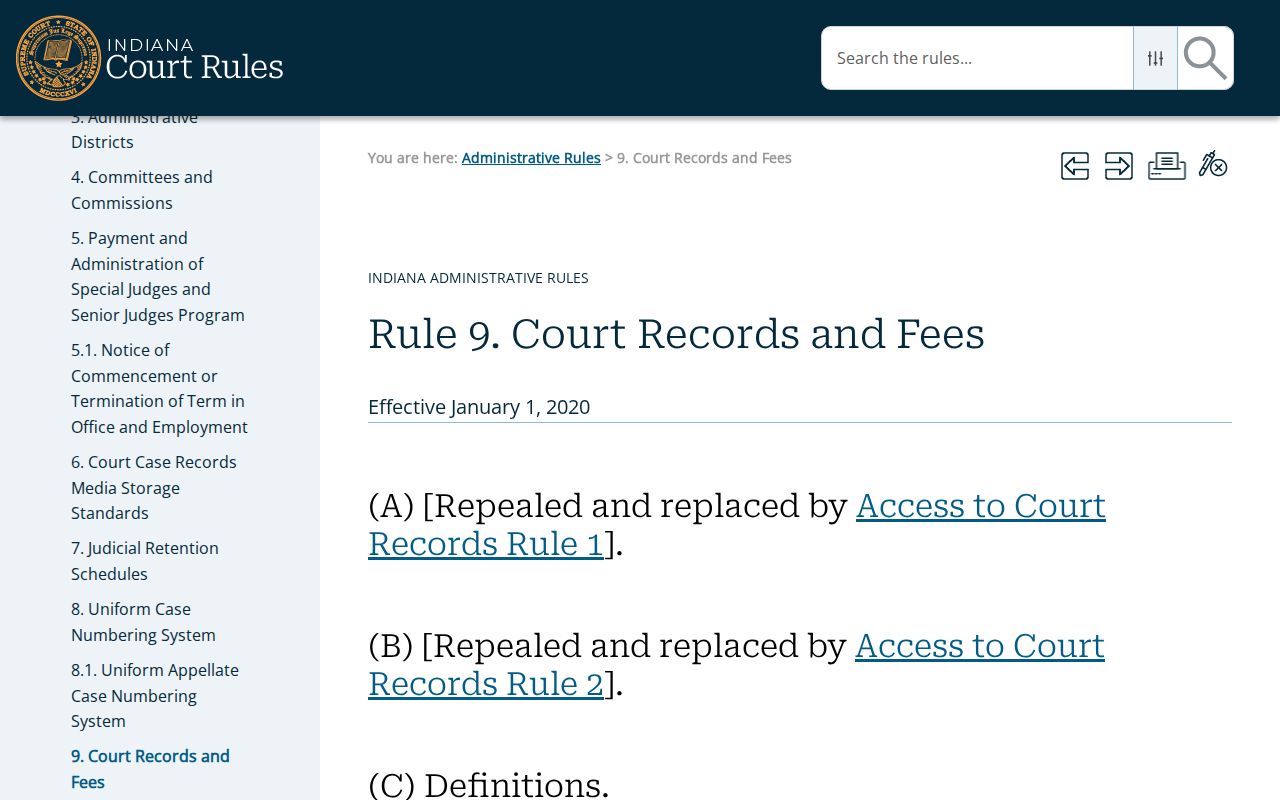
The rule builds the framework. It governs public access to daily calendars, remote viewing, and terminals at the courthouse, while each Randolph court keeps control over the setting that applies in a given case.
Randolph County Calendar and CCS
The calendar and the CCS answer two different questions. A calendar helps you find a public hearing inside a narrow date range. The CCS is the case's chronological register, logging filings, events, settings, orders, and dispositions. Many calendar results link out to MyCase. That link carries you from one scheduled event into the broader public case history.
That link does not open everything. Indiana's access matrix shifts by case type. Some civil matters offer many nonconfidential documents online. Criminal and infraction cases may display orders while withholding certain pleadings. Juvenile, mental-health, protection-order, sealed, and expunged material faces strict limits. So a missing document is not the same as a missing case.
Need the exact filed record, a current balance, or certified paper? Go to the Randolph County Clerk. Treat the public calendar as a discovery aid and MyCase as an information layer. When these channels conflict, the Clerk's record and the court's orders are the official sources.
Keep your case number close whenever you call. Staff use it to tell the two courts apart. They also separate you from people with similar names. Ask for the next setting, its purpose, where you must appear, and whether a later order changed anything. Jot down who confirmed it and when. If an old screen capture disagrees with what the court tells you today, trust the current response and the filed notice. Randolph County calendar information shifts as judges rule on motions, courtroom needs change, or parties get a continuance.