
Name-Based Case Searches
Open Indiana MyCase and pick the Name/Party tab. A last name is required unless you search a business name. Add a first name, middle name, or date of birth to cut the noise. Then set the court to Randolph County or Union City City Court, choose Open, Closed, or All status, and set either edge of a filing-date range if that helps.
- Open MyCase and select Name/Party.
- Enter the last name and add first or middle name when known.
- Select Randolph County or the Union City City Court option and narrow the filing dates.
- Compare the court, case type, filing date, and status.
- Read the CCS and verify that the public header matches the matter.
| Field | Best use |
|---|---|
| Last, first, middle | Start with the required surname, then reduce common-name matches. |
| Business name | Search an entity instead of a person's name. |
| Court | Limit results to 68C01 Circuit or 68D01 Superior. |
| Status and file date | Reduce a broad result without assuming closed means sealed. |
| Field Label | Type | Required | Notes |
|---|---|---|---|
| Last name | Text | Yes for person mode | First or middle name cannot stand alone. |
| Business | Text | Alternative | Exact unless a trailing wildcard is used. |
| Court and category | Dropdown and checks | No | Randolph, Union City, Criminal, Civil, Family, or Probate. |
| File Date From / To | Date | No | Uses mm/dd/yyyy and searches filing date, not hearing date. |
Randolph MyCase Three Search Modes
MyCase offers three separate search modes: Case, Name/Party, and Attorney. Case mode takes a single case number, citation number, or cross-reference number. Name/Party needs a surname or business name. Attorney mode works with counsel's name or an Indiana attorney number. You cannot enter both at once.
Match the mode to the identifier you already hold. A citation belongs in Case mode. A common surname calls for the Randolph court, status, category, and filing-date filters. Expect a captcha after repeated searching. That is an anti-data-mining check, not proof that a case is missing.
Case Number Searches
A Randolph case number packs county, court, year and month, case type, and sequence into one string. Circuit looks like 68C01-YYMM-CT-#####. Superior looks like 68D01-YYMM-CM-#####. Union City uses 68H02. Search the number exactly as printed. MyCase tolerates dropped hyphens and leading zeroes.
The type code names a category, never an outcome. CM marks a misdemeanor. IF marks an infraction. SC marks a small claim, EV an eviction, and F1 through F6 felony levels. Case, citation, and cross-reference numbers are three alternate fields. MyCase allows only one per search.
Selecting Randolph or Union City
The Court control covers every Randolph County Odyssey court. It can also narrow to Union City City Court. Choose the county option when Circuit versus Superior is unclear. Pick Union City when the citation or cause number starts with 68H02. The list may still show the abolished Winchester City Court for older matters.
Skip Winchester for anything new. That court was abolished at the end of 2023. If the court code remains a puzzle, call the unified Randolph Clerk. You can also reread the citation before opening result rows with similar names.
Case Search Results Explained
A public result can include the case number, filing date, court, judicial officer, case type, style, status, public parties and attorneys, CCS events, hearing settings, permitted document links, balances, disposition, and citation fields. Read the header first. It tells you which local court owns the case.
| Case number | Court, filing month, type, and sequence. |
|---|---|
| Style and parties | The public caption and permitted party names. |
| Case type | The Indiana record category, not the result. |
| Filed date | The date the case entered the court system. |
| Status | Open or closed; closed does not mean sealed. |
Narrow Broad Randolph County Results
Official MyCase search tips warn that a statewide query can top 1,000 results. Add Randolph Circuit or Superior and a filing period before concluding a case is absent. The sounds-like control helps with spelling variants.
A trailing wildcard works as a starts-with search where supported. It is not a wildcard on both ends. If a query fails, strip uncertain details one at a time. Keep the Randolph court filter in place. Name-only statewide searches mostly add noise.
Two Ways to Search: County and State
Randolph County runs no separate local public case database. MyCase is the statewide public layer for Circuit, Superior, and active Union City City Court. A broad statewide query can reveal which county holds an uncertain case. Selecting Randolph County or 68H02 turns the same system into a precise local search. For official copies, certification, current balances, and anything not published online, the Clerk is the county source.
| Statewide MyCase | Randolph County channel |
|---|---|
| Odyssey courts across Indiana | MyCase filtered to Randolph or 68H02 |
| Public CCS data and selected documents | Clerk copies and certification behind the search |
| Best when county is uncertain | Best when the Randolph court or number is known |
Randolph Search Versus IEFS Filing
Indiana's Electronic Filing System and MyCase do different jobs. Attorneys and approved filers use IEFS through a certified provider. That is how documents get sent to the court. The public uses MyCase to find permitted case information and Chronological Case Summary events.
A provider login is not a public docket portal. A member of the public who needs a case status, hearing, or document should go through MyCase or the Clerk. When a party must file something, the Indiana e-filing rules govern the process. The provider and the court's instructions matter too.
Which Cases Stay Restricted
Indiana Access to Court Records Rules 4 and 5 presume public access. They still carve out protected material. Juvenile, mental-health, adoption, sealed, expunged, protected family, and personal-identifier information may be redacted or absent. A restricted case might show limited metadata or never surface in an ordinary public search.
Not online does not mean nonexistent. The official MyCase access matrix shows that document access varies by case code and audience. Access Rule 9 offers a verified written request route for extraordinary access to excluded material. It is no casual way around a seal or confidentiality rule.
Older Randolph County Odyssey Events
Randolph Circuit and Superior moved onto Odyssey on December 13, 2021. Information imported from older files sometimes carries a converted-event label. No matching modern filing image may exist. Treat that label as part of the chronology. It is not proof that every older paper is downloadable.
When an older filing is missing, contact Clerk Jacqueline Peed. The counter sits at 100 South Main Street, Room 201, Winchester. The Clerk line is (765) 584-4214. A mailed request should give the cause number, the document, and a date range. It should also state plain or certified status, a return address, and payment contact. The county offers no records-request email or form, and no turnaround promise.
Randolph County MyCase Controls
The official search template lays out the field controls behind a Randolph County docket search.
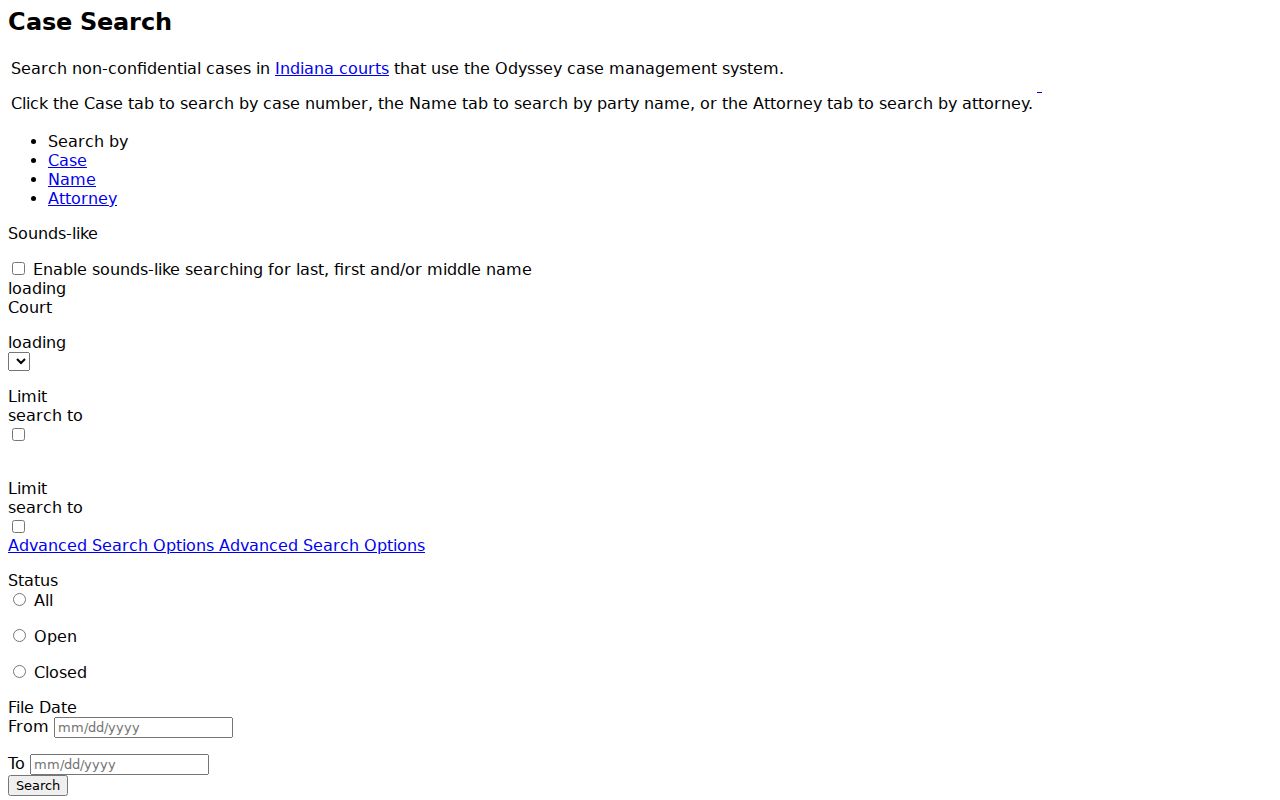
One case identifier goes in at a time. The screen also shows why adding a county filter sharpens a broad Randolph County docket query.
Randolph County Search Help Layers
The judiciary's MyCase help material explains public limits, documents, browsers, and account access.
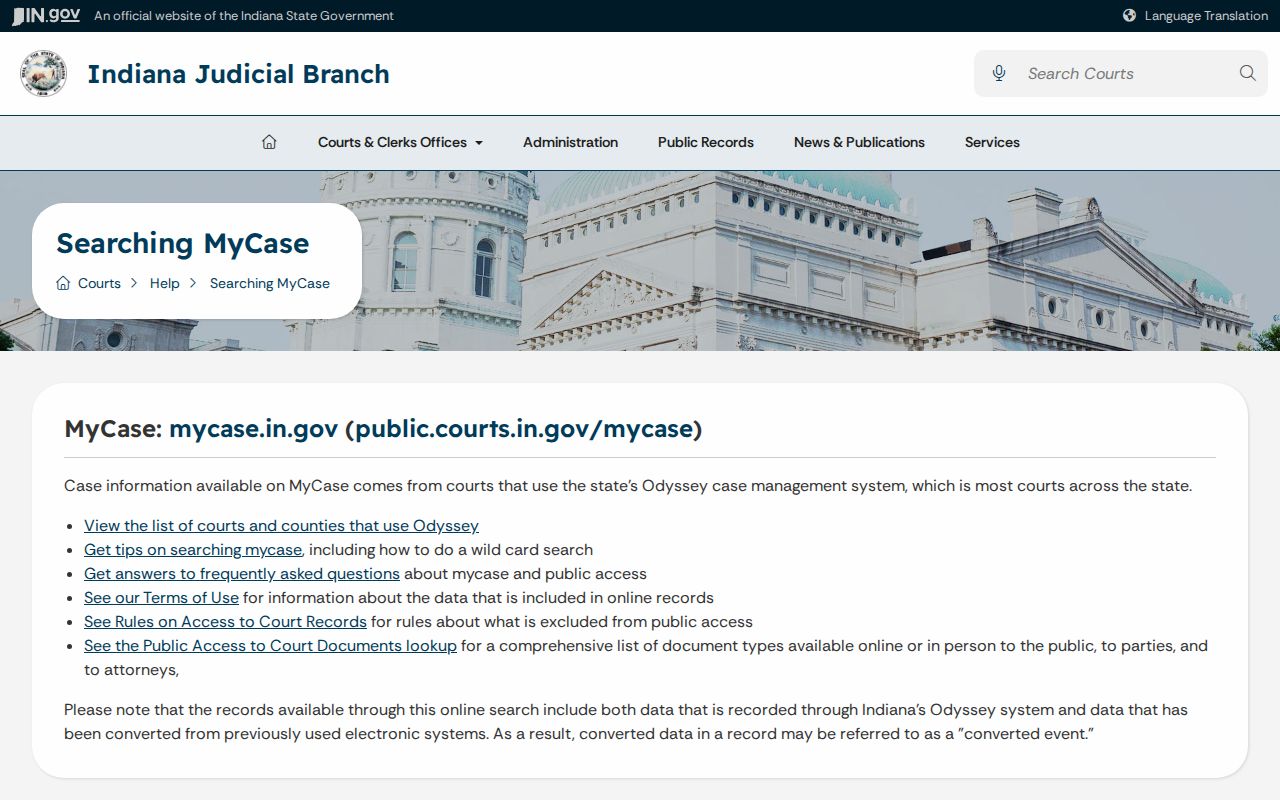
Help guidance backs public lookup. It also warns that online information is not the official court record, while the official search-tips page supplies the narrowing and spelling controls.
The advice pays off when names flood results.
Randolph County Document Access
The MyCase access matrix separates case visibility from document visibility.
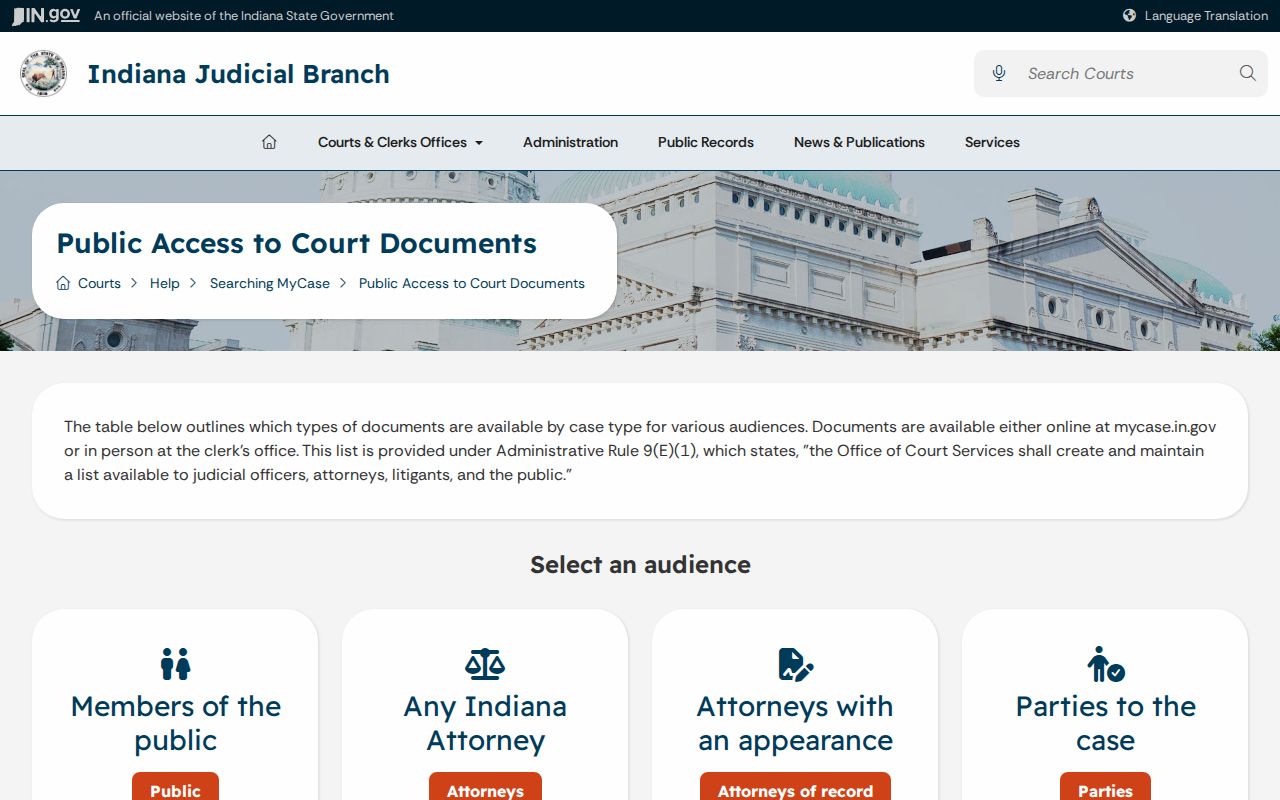
A case header can sit in plain view while most pleadings or orders stay offline. Public, party, and attorney access levels are not the same.
When Randolph County Search Stops
Some searches hit a wall. That is the time to call the Clerk. The public search cannot confirm an exact balance, pull a document image, decode a converted entry, or issue a certified record. MyCase itself warns that online financial information may be incomplete or outdated. Clerk staff can identify the correct court, price a copy request, and walk through procedure. They cannot interpret an entry's legal effect. Nor can they disclose protected content.
Randolph County posts no dedicated copy-request form or email route. Put the request in writing. Identify the parties, the cause number, the document title and date, the number of copies, your certification choice, delivery preference, and your contact information. State guidance caps ordinary letter or legal copies at $1 per page. Each certificate adds $1. Confirm the total before sending payment. A quick call also saves a wasted trip. Ask whether the record is public. Ask whether it exists only on paper, which court holds it, and what details would help. Bring identification for an in-person card payment. A public document that is restricted online may still be available at the counter or through the copy process. For an excluded record, the applicable rule and court order control.
The Case tab accepts case numbers, citations, and cross-reference identifiers. Citation formats differ by issuing agency. Enter the citation exactly as printed. On the Attorney tab, an Indiana attorney number narrows results better than counsel's name. Once a result opens, compare the case number, court, case type, file date, and public parties before treating the docket chronology as the right case. Closed is a status, not an access rule. A closed case can stay public. A sealed or expunged matter may vanish or shrink to a limited view. Trust the actual case code, the order, and the access rule. Guessing from an empty result leads people astray. The court selector lists Randolph County and the active Union City City Court, 68H02. It may also retain the abolished Winchester City Court, 68H01, as a historical option. Never select Winchester for a new filing. Traffic cases land in Superior or Union City depending on the citation and the filed venue.
Keep a simple record of your search terms. Note the selected court, the status, the filing range, and the date you checked. That note makes a failed query easier to explain to Clerk staff. Randolph County posts no separate official online daily calendar. The CCS, the filed notice, and confirmation from the court form the date-check chain. A saved MyCase view is dated, not certified, and it proves nothing about a later status change. After the case search identifies the correct court, use the Randolph County court schedule for the calendar controls and hearing fields. That route beats hunting a common name in the calendar first.